
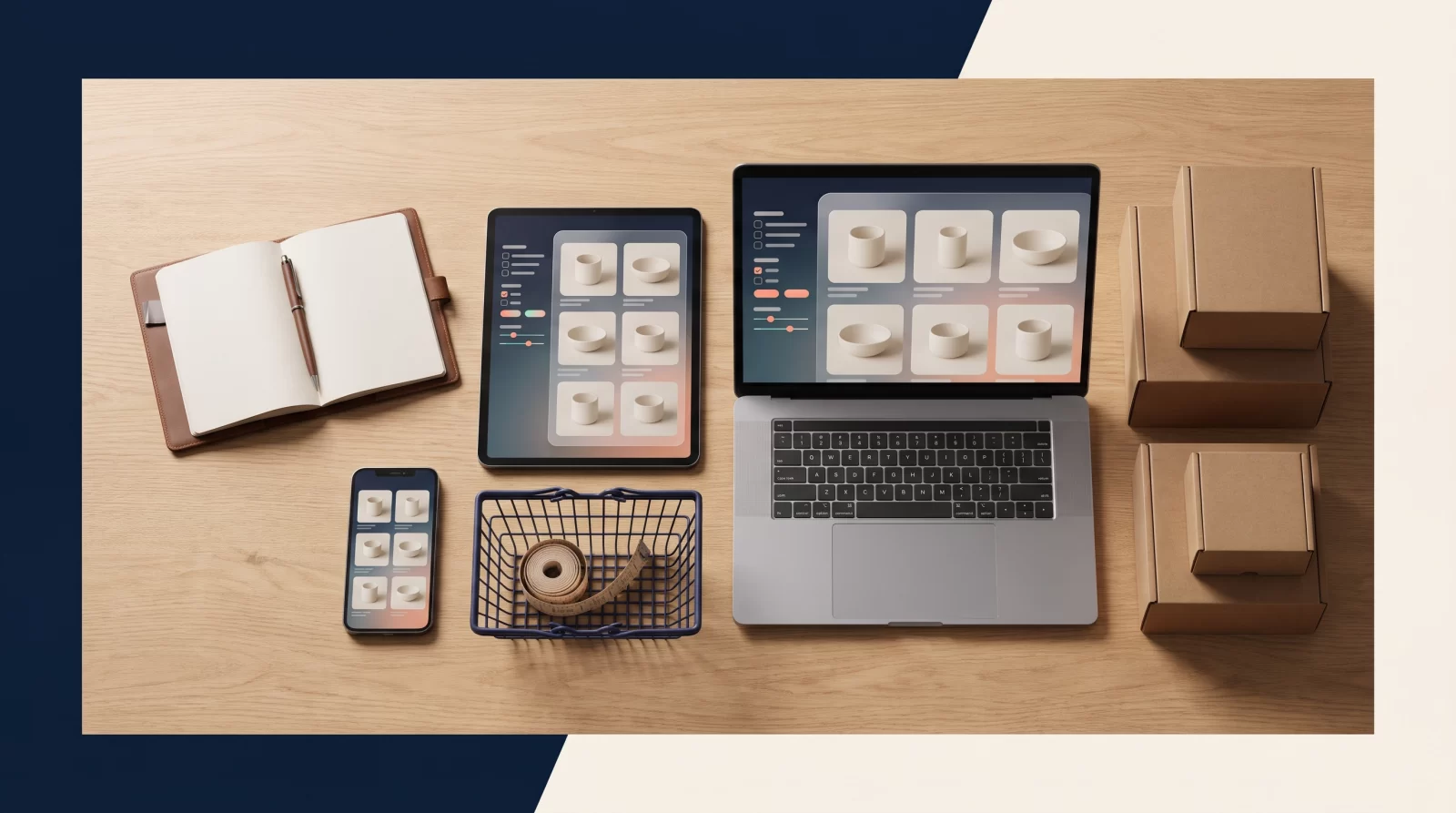
Why Is the Category Page the Most Critical Screen in E-Commerce?
Why Category Pages Shape First Impressions
When a visitor arrives from a search engine or an ad, they often see not the homepage but the page listing the product group they are looking for. That is why category page design creates the brand's first impression: if users can find what they are looking for here, they continue shopping; if not, they move to another site within seconds. The same page is also the backbone of e-commerce SEO efforts, because a significant share of commercial-intent searches begin with category queries rather than product names.
Questions a Category Page Must Answer
A good category page quickly answers these three questions:
- Which product group is listed on this page?
- By which criteria can I narrow down the products?
- What are the price, stock, delivery and return conditions?
Designing the Category Decision Chain
If the answers to these questions are not visible, user experience suffers; users start fiddling with filters and scrolling the page up and down. The job of a category page is not to decorate but to make decision-making easier. The title, filters, product cards and sorting options should be designed as parts of the same logic chain. If the page loads quickly, product cards show consistent information and narrowing actions work without reloading the page from scratch, both users and search engines benefit from the same clarity.
Scannability and Filtering in Product Listing Layout
Simplifying Product Card Design for Quick Scanning
The main job of the product listing screen is to help users quickly narrow down their own needs from dozens of options. To do this, first simplify the card design: the product name, a single clear image, price, discount information if any, and stock status should be visible at a glance. Every extra label added to the card distracts attention and makes comparison harder.
Prioritizing Category-Specific Filters
On the filtering side, prioritize the criteria users are actually looking for. In a clothing category, size and color stand out; in an electronics category, compatibility and warranty period do. Defining these criteria separately by category is far more effective than a generic filter list. Points to keep in mind:
- Active filters should appear at the top of the page as removable tags.
- The result count should update with every filter change; combinations that return zero results should be prevented in advance.
- Sorting options (price, newness, popularity) should sit in an easily accessible area.
- Instead of pagination, preserve the flow with “load more” where possible, but keep the page URL shareable.
Keeping Filters Reliable and Results-Oriented
If filters do not work or return no results, users interpret this as a lack of products. That is why filter logic must be planned together with the data infrastructure, not just the interface.
Speed and Touch Convenience on the Mobile Category Page
Designing Mobile Layouts for Small Screens
Since most traffic comes from mobile devices, the category page should be considered first on a small screen. A stylish three-column grid on desktop can become unreadable on a phone. On mobile, a layout with two columns, large touch areas and clear spacing between cards usually delivers better results.
Optimizing Image Loading and Page Speed
Speed is the invisible design element of this screen. Product images are the heaviest load on the page; so serve images at a resolution suitable for the listing size, use modern image formats and lazy-load cards that are outside the viewport. Opening and closing the filter panel, unnecessary animations and heavy scrolling effects reduce perceived speed on mobile.
Checking Touch Targets and One-Hand Use
For touch convenience, check these points:
- Filter and sorting buttons should be within thumb reach.
- Secondary actions such as add to cart should be separated enough not to be triggered accidentally.
- The sticky header should not cover more of the screen than necessary.
A category page that loads quickly on mobile and can be used with one hand keeps the same products on screen longer; this directly contributes to both conversion and search engine performance.
Content and E-Commerce SEO Balance on the Category Page
Balancing User Content and SEO Context
Category pages are not just product showcases; they are also strong search engine entry points. When establishing this balance, reserve the top of the page for the user and the lower part for context. The title, a short description and the list should be visible immediately; detailed text should appear further down the page. Greeting users with a long text before they reach products reduces click-through rate.
Essential E-Commerce SEO Elements for Categories
From an e-commerce SEO perspective, three elements of the category page are decisive: the page title, the category description and the internal link structure. Use the category name naturally in the title and do not repeat the same word over and over. In the description text, provide information that benefits users, such as “which products are here,” “by which criteria they are selected” and “frequently asked questions.”
Actionable Category Page SEO Recommendations
Actionable recommendations:
- Write a unique, short introductory text for each category; do not copy template texts.
- Link to subcategories and related product groups from within the page.
- Do not leave the indexing of filter combinations as separate pages uncontrolled.
- Keep result pages reached by users searching within the page out of the index.
This way, the page presents a structure with the same clarity to both users and search engines.
Measurement, Testing and the Continuous Improvement Cycle
Monitoring Category Page User Behavior
A category page is not a screen to be designed once and left. After launch, you need to monitor which filters are used, which cards are clicked and where users leave the page. This data ensures that design decisions are based on observation, not guesswork.
Running Measurable Category Page Experiments
Start with small, measurable experiments: the position of the filter panel, the amount of information on the product card, the location of the sorting menu or the wording of the “load more” button. Change a single variable in each test and do not make decisions without collecting enough traffic. Changing both design and pricing at the same time makes the result impossible to interpret.
Tracking Metrics and Improving Continuously
Metrics to track include:
- The rate of transitions from the category page to product detail
- Filter usage rate and abandoned filter combinations
- Page load time and time to interactive on mobile
- The behavior of visitors arriving through in-site search queries
Repeating this cycle at regular intervals also keeps the page current during seasonal product changes. As the category structure grows, documenting design rules preserves consistency across teams. Building a user-experience-focused category structure requires design, content and technical teams to work together; at this point, you can talk to the CSA Medya team to create a concrete roadmap for your existing pages.
Key takeaways
Reserve the first screen of the category page for the user
The title, short description and product list should be visible on the first screen. Move long introductory texts to the bottom of the page so visitors do not leave before reaching the products. Write the description text specifically for the category and do not repeat template sentences.
Customize filters by category
Each product group has its own decision criteria. In clothing, size and color stand out; in electronics, compatibility and warranty do. Show active filters as removable tags, prevent zero-result combinations in advance and update the result count instantly.
Treat speed as part of the design on mobile
Serve product images at listing size, lazy-load cards outside the viewport and avoid heavy animations. Place filter and sorting buttons within thumb reach; a two-column layout usually delivers a more readable result than three columns.
Validate design decisions with measurement
Monitor filter usage, the rate of transitions to product detail and exit points on the page. Change a single variable in each experiment and do not decide before collecting enough data. Also regularly review filter pages that are indexed without control.
Frequently asked questions
How many products is it ideal to show on a category page?
There is no exact number; what matters is that the page loads quickly and users see enough variety on the first screen. Too few products give the impression that there are no options, while too many products make the page heavy and decision-making harder. The healthiest approach is to make a reasonable start based on category breadth and adjust the number using scroll depth and click data.
Is adding a long description text to a category page necessary for SEO?
Not necessary, but it can be useful. Search engines also understand what the page is about from the title, product list and link structure. If you add text, provide information that genuinely helps users and place it at the bottom of the page. Copying the same template text into every category, however, does not deliver the expected benefit.
Should filtered page URLs be indexed in search engines?
Generally no. Combinations such as color, size or sorting multiply quickly and create hundreds of weak pages repeating the same products. This consumes crawl budget. A more balanced approach is to leave open only a few combinations that have real search demand and for which you provide unique content, while technically limiting the rest.
Should infinite scroll or pagination be used on a category page?
Both have strengths. Infinite scroll makes discovery easier but can cause users to lose their place in the list and be unable to reach the footer. Pagination, on the other hand, preserves position and offers shareable URLs. The practical solution is to maintain the flow with “load more” while ensuring that the page URL and back-navigation behavior are not broken.
How often should we test category page design?
Plan according to the pace of change rather than a fixed calendar. When a new season, campaign or product group is added, the flow needs to be checked again. Beyond that, reviewing filter usage and product detail transition rates every quarter is sufficient. Not finalizing test results before enough traffic has been collected prevents wrong decisions.
How should the connection between the category page and product page work?
The category page acts as a bridge directing users to the right product. The entire product card should be clickable, and the product name, image, price and stock status should be presented consistently on the card. When directing users to similar or complementary products, take care not to detach them from the category; keep return paths visible.