
Building a Free Mobile App: Where to Start?
Reduce the idea to a testable scope
The answer to how to make a mobile app for free starts with one sentence you clarify before you begin writing code: whose problem does your app solve, and which problem is it? Keeping the scope broad makes it harder to move forward within the limits of free tools. Getting one function fully working in the first version is always more valuable than leaving ten different features half-finished. A small scope means a project that is easier both to test and to keep within free plan limits.
Put the target audience, the moment of use and the success metric in writing. Instead of "Users will order more easily", create a measurable definition such as "the café employee will complete the daily count on a single screen". This definition makes it easier to decide which feature will go into the first version.
From idea to prototype in three steps
Define a single problem
Describe the problem you will solve in one paragraph; this paragraph also guides your choice of free tools. Look at similar apps, but do not copy their feature list.
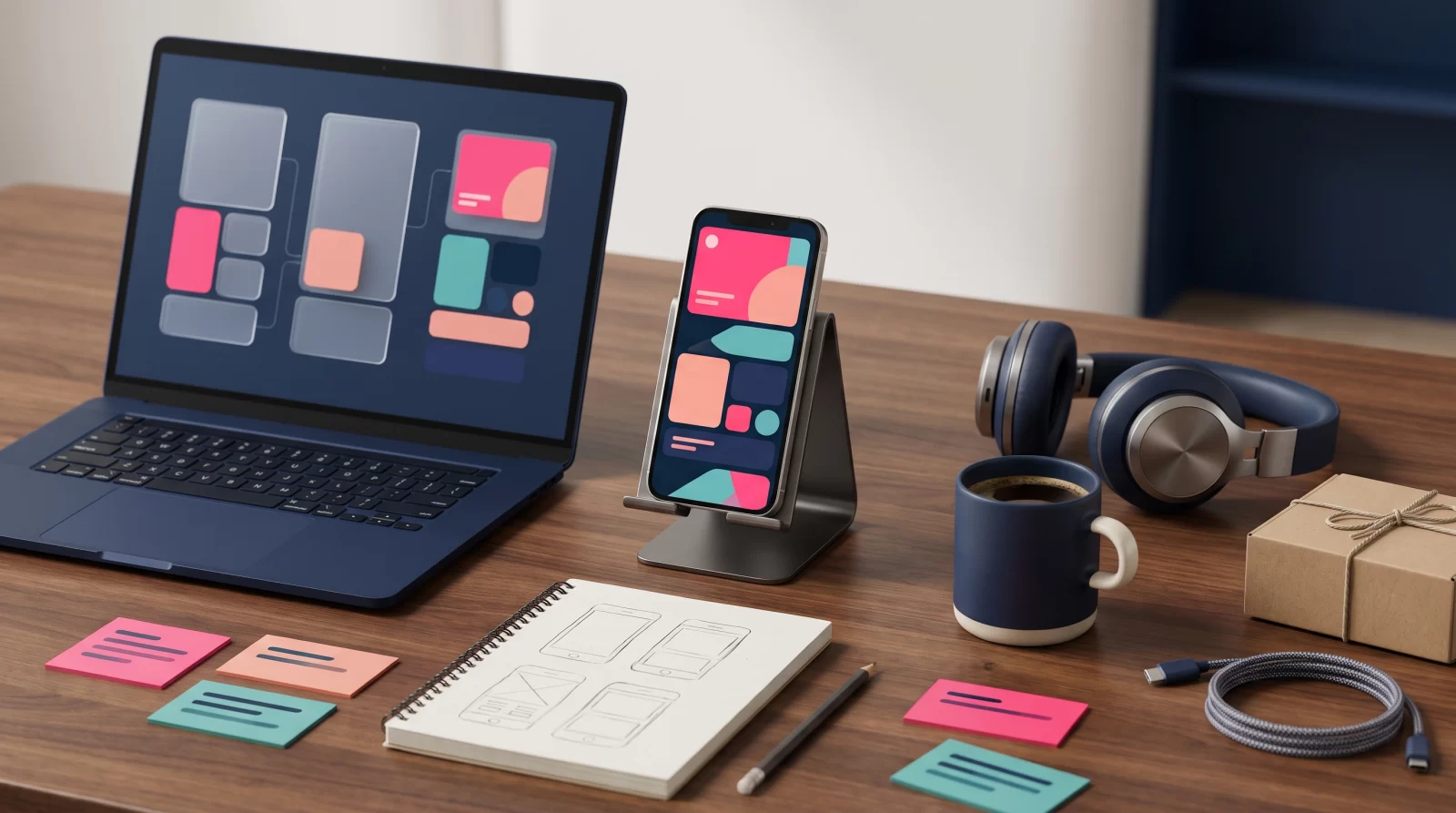
Draw the screen flow on paper
Drawing five or six screens on paper reduces the cost of later changes. Mark which screen leads to which with arrows.
Build a clickable prototype
A prototype prepared with free design tools lets you gather feedback from real users before an investment decision. Even a small test group of five people reveals a wrong direction early.
Free App Development Tools and Their Real Limits
What do no-code and low-code platforms offer?
Free app development tools offer interfaces that work on a drag-and-drop logic. On these platforms, you can combine ready-made components to set up registration forms, list views, notifications and simple database flows. Moving forward without writing code is a fast and low-risk path, especially for small teams that want to validate their idea.
However, flexibility is limited: when a custom animation, a complex payment flow or deep access to device hardware is required, it becomes harder to go beyond the templates the platform offers.
The invisible limits of free plans
- Publishing restriction: Some plans do not allow the app to be published in the store.
- User and data limit: It is limited to a certain number of records or monthly sessions.
- Branding requirement: In the free version, the platform logo may appear in the app.
- Data ownership: Exporting data may depend on a paid plan.
Putting these items in writing before starting the project prevents surprise costs later; you also know in advance at which threshold you will move to a paid plan.
What to Check When Choosing a Mobile App Tool
Match the tool to your needs list
When choosing a mobile app development program, first write down your needs: will the app send notifications, work offline, take payments, on which devices will it appear? Then compare each tool against this list. The right choice is not the tool that offers the most features, but the one that can deliver your first version completely. Unnecessary integrations lengthen the learning curve and quickly fill up free plan limits.
Data ownership and export terms
The terms of use for free plans should state where the data is stored, how it is exported when you leave the project, and what happens when the account is closed. If there are no clear answers to these three questions, try the tool only on a pilot project and do not move all your data there. Otherwise, when you want to change platforms, you will not have a portable asset in hand.
The strength of community and documentation
Can you find the solution to the error you encounter in a forum or video guides? On free plans, support usually runs only through the community; therefore, ready-made templates, up-to-date documentation and an active user base determine the real value of what you pay.
App Development Cost: Where Does Free End?
Free items and costs that come later
In the process of making a mobile app for free, design, prototyping and basic development tools can largely proceed without a budget. App development cost, however, usually becomes visible at the publishing stage: store developer accounts, domain and server, notification services, analytics and error tracking tools, payment infrastructure commissions. Write these items in a table and separate them by month and year; this way you can see which expense is mandatory and which can be postponed.
When should you get professional support?
When the number of users starts to grow, when flows involving payments and personal data come into play, or when compliance with store rules becomes complex, the limits of free tools become clear. At this point, it is necessary to evaluate the codebase, technical debt and maintenance burden. Delaying the decision may create a need for a larger rewrite later.
At CSA Medya, we support brands in scope planning, technical selection and publishing processes for mobile app and web projects. If you would like to evaluate together the roadmap you are following with free tools, you can contact us.
Key takeaways
Narrowing the scope makes free tools useful
When moving forward with free tools, the biggest risk is keeping the scope broad. Solving a single problem completely in the first version is more valuable than leaving ten features half-finished. Write the target audience, the moment of use and the success metric in a single paragraph; this definition makes both tool selection and the launch decision easier.
Document the limits of the free plan from the start
User limits, publishing restrictions, mandatory brand logos and data export conditions differ in every free plan. Note these items before starting the project and determine at which threshold you need to move to a paid plan. This creates a predictable transition plan instead of a budget surprise.
Test the prototype with real users without writing code
A screen flow sketched on paper gives much clearer feedback when it turns into a clickable prototype with free design tools. A short test with a small group of five people reveals development mistakes that would take months early on. Keeping test notes in writing forms the basis for subsequent decisions.
Update the cost table before launch
App development costs often become visible not during development but at the launch and growth stage. Add items such as store accounts, server, notification and analytics services, and payment commissions to the table on a monthly and annual basis. This table clearly shows which expense is mandatory and which can be postponed.
Frequently asked questions
Can building a mobile app really be free?
Turning an idea into a prototype and preparing a simple first version is possible with free tools. However, publishing, servers, notifications and analytics are often paid. That’s why you should plan the free process as a validation phase and calculate ongoing costs from the start.
Can a mobile app be built without knowing code?
Yes, apps can be developed without writing code using no-code and low-code platforms. Forms, lists, notifications and simple data flows can be set up with these tools. When you need complex payments, custom animations or deep access to hardware, you’ll hit the platform’s limits; at that point developer support may be required.
Can apps built with free app development tools be published in the store?
Some free plans allow publishing, while others only provide a test environment. Store developer accounts usually require an annual fee. Before publishing, checking the tool’s plan terms and store policies helps reduce technical obstacles later.
When should you move from the free version to a paid plan?
When the user count approaches the plan limit, when you need to export your data, or when branding becomes a limitation, it’s time to switch. Base your decision on the project’s real needs, not on the extra features the paid plan offers.
What makes up the cost of app development?
The cost consists of design, development, testing and publishing processes. After launch, servers, notification services, analytics tools, store accounts and payment commissions come into play. As scope grows, maintenance and update items increase too; therefore, keep an itemized budget table from the start.