
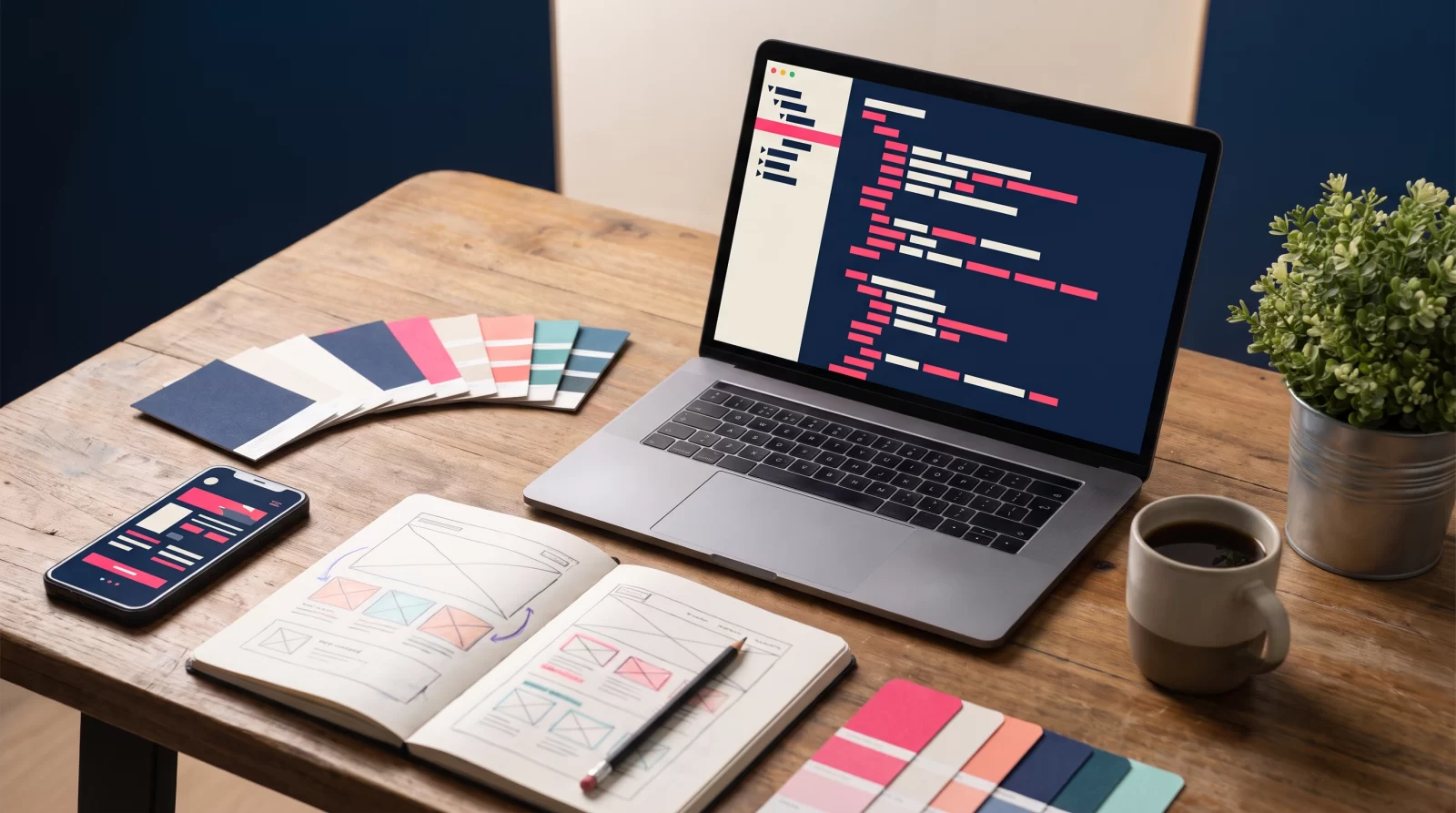
Before Starting Web Design and Coding Courses
Web design and coding courses are an area where many people enroll in several courses at once and drop out in the first weeks. The reason is usually not talent, but a topic list without a set order. Trying to learn the design side and the coding side in the same week leaves both areas superficial. For someone starting from scratch, the most efficient approach is to build topics on top of one another and reinforce each new heading with a small exercise.
Which Basic Skills Are Required?
There is no prerequisite for starting other than computer literacy. Still, three habits significantly speed up the process: setting up an orderly file and folder structure, learning keyboard shortcuts, and opening and inspecting the developer tools in the browser. These habits make it easier to find code errors in later lessons. A habit of reading English resources also matters; most current documentation is in English. At the beginning, you do not have to understand every sentence; recognizing the terms is enough.
How Should You Structure Your Learning Plan?
Instead of irregular two-hour study per week, regular study of thirty minutes on three days gives better results. When building a plan, you can follow this order:
- Devote the first two weeks only to HTML and, after each lesson, build a one-page text skeleton.
- Leave the next three to four weeks for CSS; practice color, typography and layout.
- At the end of each week, combine the topics you learned on one small page.
- Keep track of your progress in a file with dates; seeing what you have learned maintains motivation.
HTML and CSS: Topics to Learn First
HTML and CSS are the backbone of the web design learning process. Moving on to the next steps without learning these two technologies thoroughly means a slower and more fragile learning process later. The good news: this stage requires patience but is not complicated. Just progress without skipping topics and by writing every heading by hand.
HTML: Structure and Meaning
In HTML, the goal is not to place boxes visually but to give meaning to content. Using heading tags in order, building lists correctly, and matching form fields with their labels are decisive for both accessibility and search engines. At this stage, focus on building the right skeleton rather than on the visual result.
CSS: Box Model and Layout
In CSS, the place where people most often get stuck is the box model. Once you grasp the difference between margin, padding and border, page layout becomes predictable. Then continue with color, typography and simple transition effects. Progressing without using a ready-made framework lets you see what the foundation does.
Topic Order for HTML CSS Training
1. Semantic tags and form structures
Build text-heavy pages with headings, paragraphs, lists, tables and form elements. Note what each tag does in your own words.
2. Layout with Flexbox and Grid
First study Flexbox for one-dimensional alignment, then Grid for two-dimensional layouts. In both, try building the same card component with different methods.
3. Responsive design and media queries
Think mobile-first and create pages whose layout changes as the width grows. Test the breakpoints using the device view mode in the browser.
JavaScript and Interactivity: Starting at the Right Time
After the first pages take shape, interactivity is next. JavaScript adds movement and function to the page; however, moving on to it before the HTML and CSS foundations are solid is one of the most common mistakes. Struggling with event listeners while still centering a box quickly reduces the desire to learn.
When Should You Move on to JavaScript?
If you can set up a simple markup and style file without help, it means you are ready. The measure is not completing the number of lessons; it is being able to design a page starting from an empty file. When you reach this point, start with variables, conditions and functions; progress by trying each topic in the browser console.
Core Topics and Small Exercises
At the first stage, it is important to progress without using a ready-made library. The following topics draw a sufficient framework for a start:
- Variables, data types and basic operators
- Conditional statements and loops
- Functions and parameters
- Array and object operations
- Selecting elements via the DOM, listening to events and adding classes
After each topic, do a small exercise: a box that changes color when a button is pressed, a form that writes the entered text to the page, a simple to-do list. These three exercises prepare the ground for most of the following topics.
Why Should You Delay Choosing a Framework?
Ready-made frameworks deliver quick results, but debugging becomes harder without foundational knowledge. It is healthier to evaluate frameworks after completing a few small projects with pure JavaScript. When choosing, look at the demands in job listings, community size and documentation quality together.
Choosing Resources: Courses, Documentation and Community
The abundance of resources is one of the biggest traps for beginners. Browsing dozens of videos and courses covering the same topic increases the feeling of progress but does not create lasting knowledge. In this section, we have gathered the criteria you can use when choosing resources for coding lessons.
Free Resources and Official Documentation
Official documentation for every technology should be the backbone of learning. For HTML, CSS and JavaScript, references published by browser vendors and standards organizations are current and reliable. If you prefer Turkish resources, always check the content's date and last update; older explanations can teach methods that are no longer valid today. For those who find learning through video difficult, written documentation and short code examples can be more efficient.
Questions to Ask When Choosing a Course
Before devoting time to a course, ask these questions:
- What level does the course target, and does it state prerequisites?
- Are the topics supported by hands-on projects?
- When was the content updated, and are the methods used still valid?
- Does the instructor provide feedback and answer questions?
- Can the projects produced at the end of the course be used in a portfolio?
Community and Feedback
The hardest part of learning alone is not being able to see where the error is. Asking questions in a community, requesting code review and reading others' solutions accelerates learning. When asking a question, briefly writing the error message, the approach you tried and the result you expected improves the quality of the answer you receive.
Making the Learning Process Sustainable
Finishing lessons and learning are not the same thing. Many people watch videos to the end and then freeze when they try to build a page on their own. The solution is to reduce the amount of content consumed and increase the number of pieces of work produced. Small but completed projects deliver more progress than hours watched.
Practice and Portfolio Habit
From the first week, collect every piece of work you do in a folder. Even a simple personal introduction page, a contact form, a small blog template and a product card will turn into a portfolio over time. Trying one new topic in each project makes what you learn permanent. Also, rereading your own code a week later is the fastest way to show which points you did not understand.
Getting Professional Support When You Get Stuck
At some points progress stops: the layout just won't come together, the form doesn't work, the site breaks on mobile. These blockages usually stem from a small knowledge gap and are quickly overcome with the right guidance. In such cases, getting input from an experienced team instead of struggling alone for weeks saves time. At CSA Medya, we provide consulting to brands and individual learners in web design and coding processes. If you want to clarify the next step in your learning journey, you can contact us and we can create a roadmap suited to your needs.
Key takeaways
Follow the Topic Order
HTML, CSS, and JavaScript build on one another. Instead of trying to learn the design side and the coding side in the same week, keep to the sequence. Complete each stage until you can build a single page without help. When steps are skipped, debugging later topics becomes harder and motivation drops quickly.
Do a Small Exercise After Every Lesson
Watching a lesson alone does not create lasting knowledge. After each topic, do a small fifteen-to-thirty-minute exercise: a box that changes color, a form that writes text to the page, a simple list. These exercises reinforce the topic and leave ready-made components for later projects.
Reduce the Number of Resources, Increase Depth
Instead of enrolling in dozens of courses, start with official documentation, a single course, and one community. Changing resources may feel like progress, but it does not build real knowledge. Be sure to check whether the course you choose is up to date and includes hands-on projects.
Start Your Portfolio in the First Week
Do not wait until the end of the learning process to build a portfolio. From the first week, collect every page you make in a folder and write short notes about which topic you applied. Over time, this accumulation lets you see your own progress and show concrete work in job interviews.
Frequently asked questions
How long does it take to start web design and coding lessons from scratch?
It varies from person to person and depending on the time you set aside. With a few hours of regular study each week, it is realistic to establish the basics of HTML and CSS over a few months and then move on to JavaScript. What matters is not the total time, but whether you can apply each topic on your own in a small page. Measure the number of pieces of work you produce rather than finishing videos.
Can I move on to JavaScript without learning HTML and CSS?
Technically you can, but it is not recommended. Much of JavaScript is built around selecting and changing elements on a page. Without knowing the HTML structure and layout with CSS, it becomes harder to make sense of these operations. If you can build a simple page from an empty file, you are ready for JavaScript. Moving on before reaching this threshold unnecessarily prolongs debugging.
Are free resources enough to learn web design?
Free resources are more than enough to learn the basics. Official documentation, browser makers' guides and community forums provide a strong framework for getting started. Sufficiency depends less on whether a resource is paid and more on whether it is up to date and offers opportunities to practise. Paid courses are often preferred because they provide a structured sequence and feedback, but they do not guarantee results on their own.
Should I learn design first or coding?
In practice, the two progress together. Still, taking the first step with HTML and CSS is healthier, because as you bring design decisions to life with code, you see what is possible. Learn basic design principles such as colour, typography and alignment in the same process. Learning visual design tools becomes more meaningful at a later stage.
Does using ready-made templates or libraries hinder learning?
Aimless use hinders; conscious use accelerates. While learning the basics, writing your own code instead of using ready-made templates lets you see why a box shifts. However, using libraries to save time on real projects is normal. What matters is being able to explain what the tool you use is doing on your behalf.
Is English essential when learning web design?
It is not mandatory, but it is a big advantage. Most current documentation and error messages are in English. At the start, progressing with Turkish resources and learning the basic terms is enough. Over time, developing the habit of reading technical texts significantly broadens your source options. Focus on catching the context rather than understanding every sentence.